Time, alive.
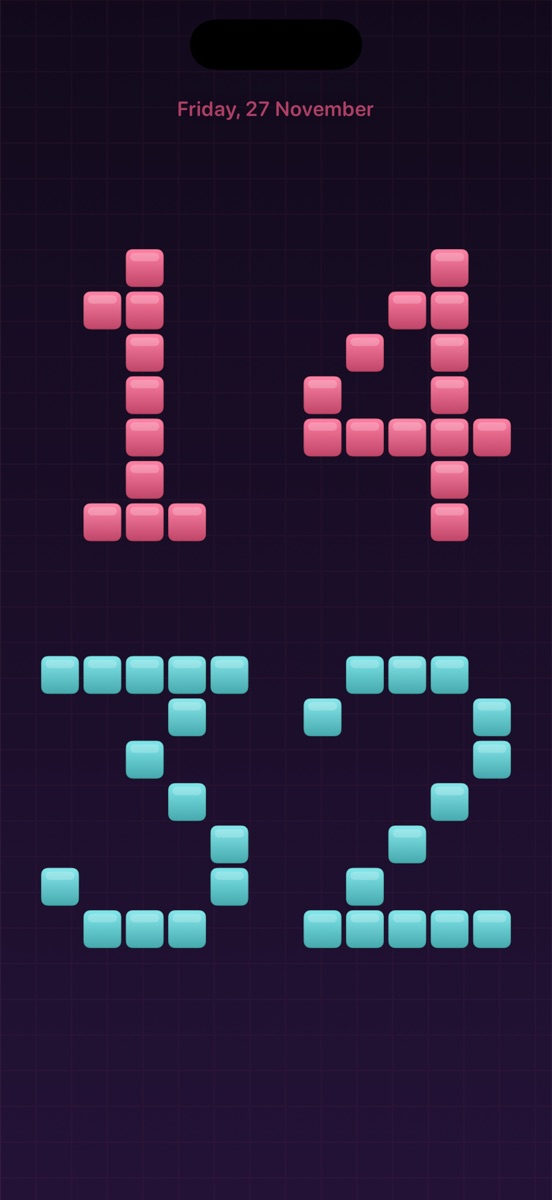
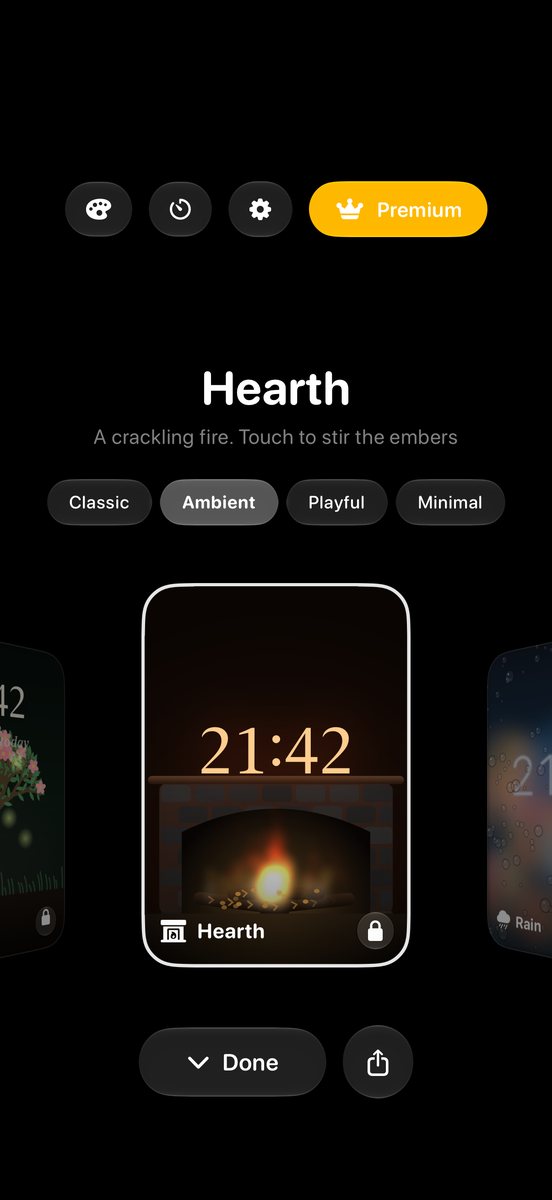
37 living clocks that tumble, melt, glow and grow. Touch them, swipe between them, and leave one ticking beside your bed.
37 clocks.
37 moods.
Each face is its own little world, with physics, light and sound. Drag to spin the collection.
Made to be touched
Poke the bricks and they tumble. Stir the liquid digits. Shake your phone and the whole scene reacts. Every face has its own physics.
Two fingers to switch
Swipe with two fingers to move between faces, or double-tap to open the gallery and see them all running live. One finger always plays with the clock.
Make it yours
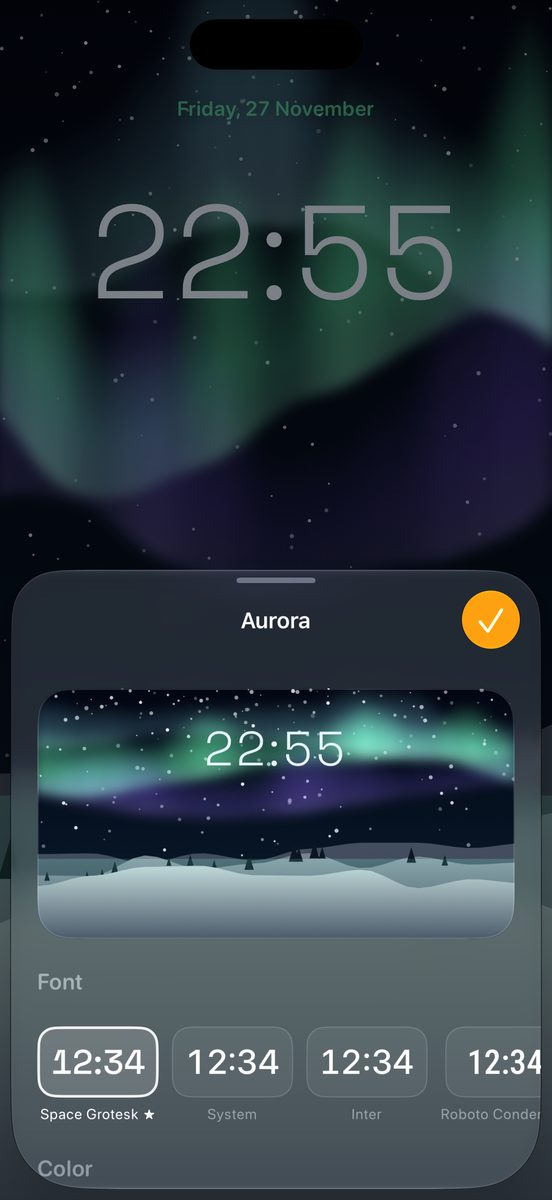
Every face remembers its own color palette. Choose 12 or 24 hours, show seconds, and pick the mood that suits your room.
Your real sky
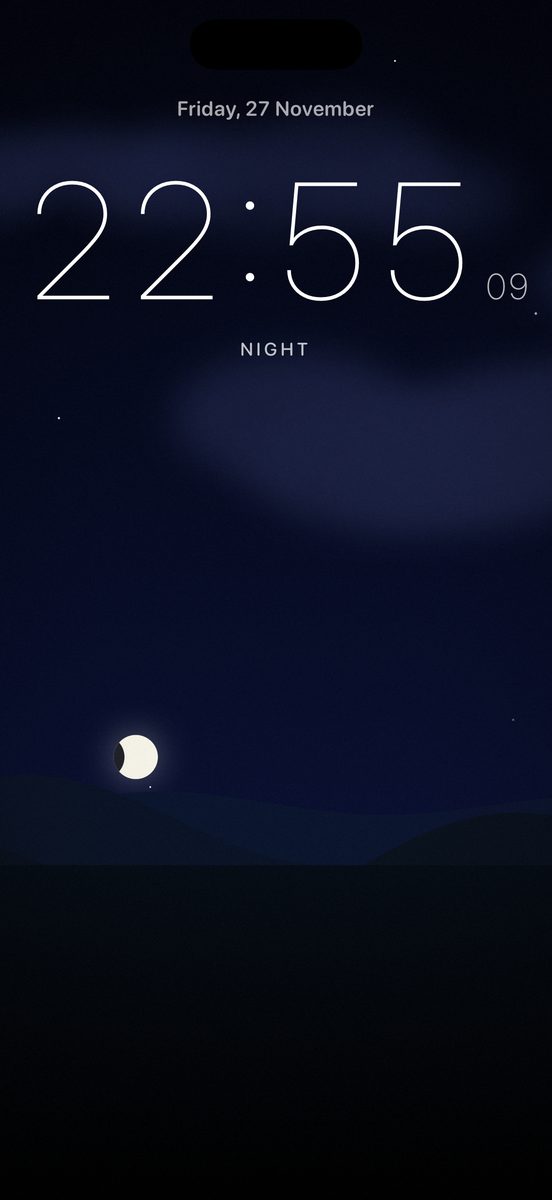
Living Sky follows the actual sun and moon where you live, from first light to starlight. The calculation happens on your iPhone.
Half-fold it.
It knows.
On a foldable iPhone, stand it up like a tent. The time rises above the hinge and the lower half becomes the floor of the scene.
- Digits stay above the fold, always readable
- Faces settle and react when you change the angle
- A companion panel shows timers and the date
Your clock,
even when it sleeps.
Put Clockscape widgets in StandBy and on your Home Screen. Charge your iPhone on its side and your favorite faces are waiting.
Small details.
Quiet nights.
Timers & alarms
They ring even when the app is closed, with a live countdown on the Lock Screen and in StandBy.
Hourly chime
A soft bell on every hour, synthesized on device.
Night mode
Dims, warms and gently shifts the picture so nothing burns in. When nobody touches it, the screen goes black; tap, nudge the phone or wave over it to see the time. Tap with three fingers to pause night mode for a while.
A palette and a font per face
Each clock remembers its own colors and typeface.
Battery-smart
Animation slows down at night, in Low Power Mode and when your iPhone runs warm.
Speaks your language
Available in 14 languages, with clocks that never mirror in right-to-left scripts.
Sound, made live
Every click, buzz and chime is synthesized as you watch. Turn it off with one switch.
Nothing leaves your iPhone.
No account, no ads, no analytics, no tracking. Clockscape collects no personal data.
Good to know.
Which iPhones does Clockscape support?
Clockscape needs iOS 26 or later. Fold-aware layouts appear automatically on foldable iPhones.
Is Premium a subscription?
No. Premium is a single, one-time purchase. Pay once and it is yours, on all your devices and for your Family Sharing group.
Can Clockscape replace the StandBy clock?
iOS does not let apps replace StandBy's full-screen clocks, but you can fill StandBy with Clockscape widgets. For the fully animated faces, keep the app open while charging.
Why does Living Sky ask for my location?
To place the sun and moon where they really are in your sky. Only an approximate location is used, it stays on your device, and you can say no. The sky then uses your time zone instead.
How do I restore my purchase?
Open Clockscape, go to Settings or the Premium screen and tap “Restore purchases”, signed in with the same Apple Account you used to buy.
Tonight, try one.
Download Clockscape free and give your nightstand a clock worth looking at.